
🎮 Gamepad Controllers#
Don’t you want to use a video game controller to control your trained policy? Genesis Forge currently integrates with the Logitech F310 and F710 controllers.
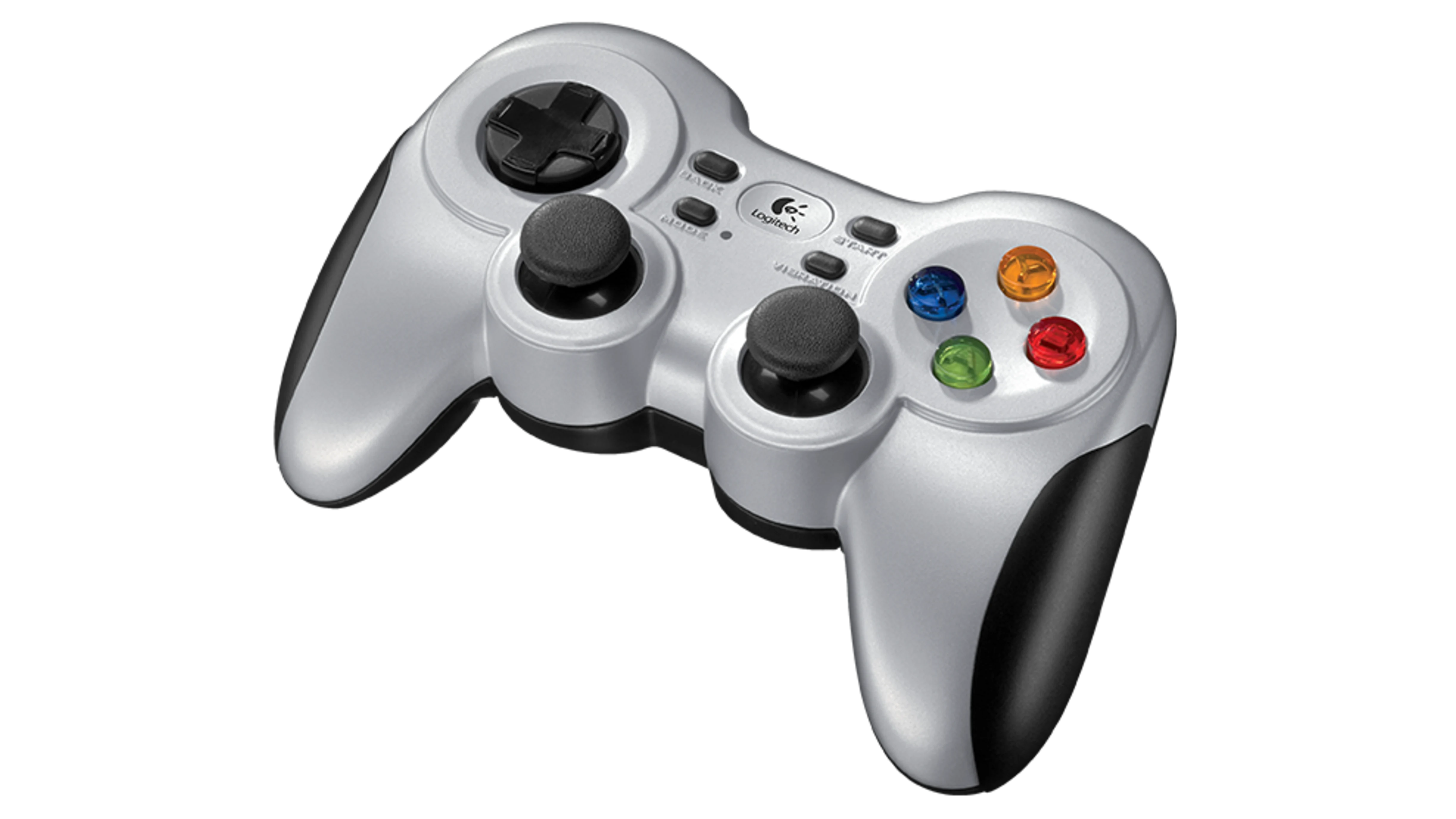
The Logitech F710 gamepad controller#
Installation#
To use these controllers, you need to install HIDAPI on your computer:
Mac#
With Homebrew
brew install hidapi
Windows#
Download the windows files from here and then place them in Windows/System32.
Linux#
Use your package manager to install libhidapi-dev, for example:
sudo apt install libhidapi-dev
You’ll likely also need to add udev rules for the controllers. Create the file: /etc/udev/rules.d/100-hidapi.rules
SUBSYSTEM=="usb", ATTR{idVendor}=="046d", ATTR{idProduct}=="c216", MODE="0660", GROUP="plugdev", TAG+="uaccess", TAG+="udev-acl", SYMLINK+="logitech_f310%n"
KERNEL=="hidraw*", ATTRS{idVendor}=="046d", ATTRS{idProduct}=="c216", MODE="0660", GROUP="plugdev", TAG+="uaccess", TAG+="udev-acl"
SUBSYSTEM=="usb", ATTR{idVendor}=="046d", ATTR{idProduct}=="c219", MODE="0660", GROUP="plugdev", TAG+="uaccess", TAG+="udev-acl", SYMLINK+="logitech_f710%n"
KERNEL=="hidraw*", ATTRS{idVendor}=="046d", ATTRS{idProduct}=="c219", MODE="0660", GROUP="plugdev", TAG+="uaccess", TAG+="udev-acl"
Then
sudo chmod 644 /etc/udev/rules.d/00-hidapi.rules
sudo udevadm control --reload-rules
Usage#
If you have one or more command managers defined in your environment, you can easily connect the gamepad to them in your eval program.
For example, let’s say you have both a velocity command and a target height command defined in your environment:
self.velocity_command = VelocityCommandManager(
    self,
    range={
        "lin_vel_x": [-1.0, 1.0],
        "lin_vel_y": [-1.0, 1.0],
        "ang_vel_z": [-1.0, 1.0],
    },
)
self.height_command = CommandManager(self, range=(0.2, 0.4))
Now let’s create an eval script that uses the gamepad controller to set these values:
# This is where the trained policy was saved
EXPERIMENT_DIR = "./logs/experiment"
TRAINED_MODEL = f"{EXPERIMENT_DIR}/model_100.pt"
[cfg] = pickle.load(open(f"{EXPERIMENT_DIR}/cfgs.pkl", "rb"))

# Initialize the genesis simulator
gs.init(logging_level="warning", backend=gs.gpu)

# Setup the environment
env = MyEnv(num_envs=1, headless=False)
env.build()

# Connect the gamepad
gamepad = Gamepad()
env.velocity_command.use_gamepad(
    gamepad, lin_vel_y_axis=0, lin_vel_x_axis=1, ang_vel_z_axis=2
)
env.height_command.use_gamepad(gamepad, range_axis=3)

# Setup policy runner
env = RslRlWrapper(env)
runner = OnPolicyRunner(env, cfg, EXPERIMENT_DIR, device=gs.device)
runner.load(TRAINED_MODEL)
policy = runner.get_inference_policy(device=gs.device)

obs, _ = env.reset()
with torch.no_grad():
    while True:
        actions = policy(obs)
        obs, _rews, _dones, _infos = env.step(actions)
This maps joystick axis 0 and 1 (left joystick) to the robot’s Y and X movements, and axis 2 and 3 (right joystick) to rotation and height.